AI purchase order processing, straight to your ERP
Your customers send purchase orders as PDFs, in the body of an email or as Excel files, each in its own format. We build an AI agent that reads them, checks every line against your product master and pricing, and creates the sales order in your ERP. Anything that does not add up goes to a person on your team to decide.
The problem: every purchase order is keyed in by hand
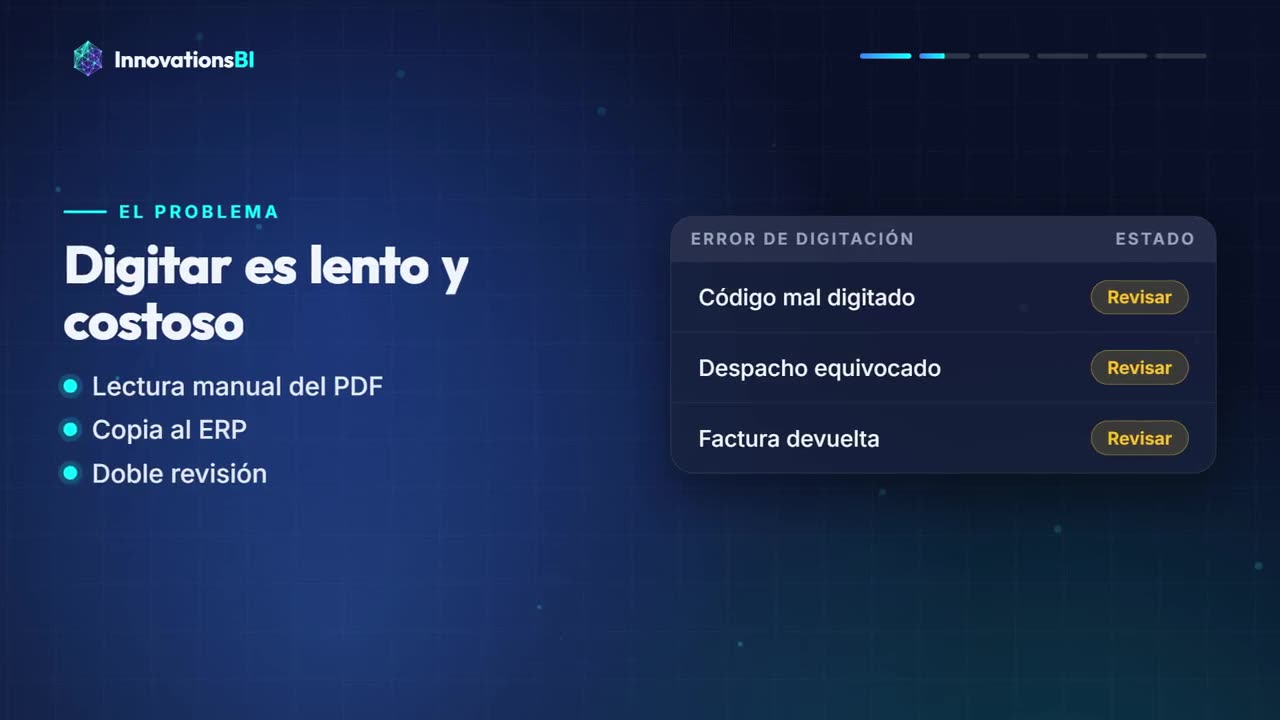
At many manufacturers and distributors, customer service spends a big part of the day opening emails, downloading purchase orders and retyping them into the ERP line by line. Every customer uses a different format: one sends a PDF generated by their system, another an Excel file with columns arranged their own way, another types the order straight into the email. And almost none of them use your item numbers. They use their own, or a description someone has to interpret.
Before the order can be created, someone has to figure out which of your items each line refers to, check that the price on the PO matches the agreed price list, and confirm the unit of measure and ship-to address. When a lot of orders come in at once, at month end or in peak season, they pile up, orders reach production or shipping late, and typos surface when the customer receives something different from what they ordered.
Hours retyping what is already written
Trained people spend the day copying data from a document into a screen instead of helping customers or handling the tricky cases.
Errors caught too late
A wrong item number, a quantity with an extra zero or an outdated price gets noticed only after the order has shipped or been invoiced.
Bottlenecks at peak times
When orders arrive all at once, the queue grows, sales orders get created late and customers call asking why their PO is not in the system.
How the purchase order agent works
-
1
It picks up orders where they arrive today
The agent monitors the inbox where customers send their POs and takes the PDF or Excel attachments, or the email text when the order is written there. Your customers do not have to change a thing.
-
2
It reads and structures every line
It identifies the customer, PO number, requested delivery date, ship-to address and every line with its item number, description, quantity, unit and price, even when each customer uses a different layout.
-
3
It validates against your master data
It checks each line against your product master, each customer’s item cross-reference and their price list. It flags price mismatches, unknown items, wrong units of measure or customers over their credit limit.
-
4
It creates the sales order in the ERP
Orders where every line passes validation are entered as sales orders in your ERP, with the customer’s PO number as the reference for tracking.
-
5
A person reviews anything unclear
Lines that fail a check go to a review queue with the original document right next to them. The reviewer corrects or approves, and the agent keeps the new cross-references your team confirms.
What it looks like in practice
Watch the demo: a purchase order arrives, the agent extracts the lines, validates them against the product master and prices, and creates the order in the ERP, setting aside the line that needs review.
Illustrative demo with fictitious data
- 1 Read the document
- 2 Validate each line
- 3 Register the order
3 lines registered · 1 sent for review
RD-7731 is not in the product master: a person reviews it before it is registered.
Video: the process from start to finish
Who it is for
By company size
Not the first solution we recommend at this size.
At a mid-sized company where two or three customer service reps receive and key in orders from a group of repeat customers, the agent takes over the repetitive load and frees that team to review exceptions, confirm delivery dates and take care of customers.
At a large company with many corporate accounts, several business lines or multiple plants, the agent integrates with the ERP while respecting customer-specific pricing, commercial terms and approval rules, and keeps a full audit trail for every order: what came in, what was validated, who approved each exception and which sales order it became.
Industries where it is common
It is common at manufacturers that sell to retail chains, distributors or other industrial companies, at logistics providers that receive shipping orders, at agribusinesses supplying large buyers and at wholesalers with corporate customers.
What's included
- Reading of purchase orders in PDF, Excel and email text, tuned to the formats of your main customers.
- An item cross-reference between each customer’s codes and your item numbers, which grows with every approved correction.
- Validation rules for price, unit, quantity, customer and address, defined with you.
- A review queue where a person approves or corrects unclear lines while viewing the original document.
- Sales order creation in your ERP, through an API when there is one or through automation when there is not.
- A log of every processed order and a dashboard of orders received, created and pending review.
Systems it connects to
We name categories and well-known products so you can place your case. This implies no partnership or certification with their vendors: how we connect depends on what each system allows and is defined during the assessment.
Email and documents
Microsoft 365 and Outlook, Gmail, shared folders or supplier portals where the orders are downloaded from.
ERP
SAP Business One, SAP S/4HANA, Microsoft Dynamics, NetSuite, Odoo or your in-house system, depending on what each one allows.
Master data
Product master, price lists and customer records in SQL Server, inside the ERP itself or in Excel while they get organized.
Tracking and reporting
Power BI to see order volume, exceptions by customer and review times, or a dashboard inside the app itself.
What drives cost and time
We do not publish fixed prices because reading clean POs from a handful of customers is very different from processing orders from hundreds of customers, some of them scanned. These are the factors that most affect cost and rollout time:
1 Variety of formats
The more customers with different layouts, the more cases to test. System-generated PDFs read better than scans, photos or documents with tables split across pages.
2 Quality of your product master
If your items have clear descriptions and there are cross-references to customer codes, validation is straightforward. If not, those cross-references have to be built at the start.
3 How your ERP connects
With a documented API, creating the order is direct. If it can only be done through the screens, we use robotic process automation, which works but needs more testing and maintenance.
4 Commercial rules
Customer-specific pricing, discounts, credit limits, minimum order quantities or delivery dates by plant are extra validations that have to be built and tested one by one.
5 Document volume
The AI model is billed by usage. We estimate that recurring cost with you based on how many orders and lines you receive, so there are no surprises.
That is why we do not publish fixed prices or timelines: after a short assessment we give you a concrete proposal with scope, cost and stages.
When we do not recommend it
We would rather tell you before we start. There are cases where this solution is not the best investment:
If you receive few orders
If only a few orders come in each day and one person keys them in without delays or errors, the agent will not pay for itself. Your money is better spent elsewhere in the process.
If customers already send structured orders
When orders arrive through EDI, a portal or a fixed-format file, you do not need AI. A direct integration is simpler and cheaper.
If every order is negotiated
If most POs include spec changes, prices still under negotiation or custom products, the value is in supporting the account rep, not in automating order entry.
AI purchase order processing FAQ
Do my customers need to change how they send orders?
No. The agent is designed to read orders the way they arrive today, as PDFs, Excel files or in the body of an email. We tune it to the formats of your main customers and test it with real orders before putting it to work.
What if the agent misreads a line?
That is what validation is for: every line is checked against your product master and pricing. If something does not match or the agent is not confident enough, the line goes to human review instead of being created in the ERP. The rules for what gets approved automatically and what gets reviewed are set with you.
How does it recognize each customer’s item numbers?
Through a cross-reference table between the code or description each customer uses and your item number. We build it at the start from your order history, and it grows every time someone on your team confirms a new match in the review queue.
Does it work with scanned orders or photos?
It can read them, but with a higher risk of error than a system-generated PDF. In those cases we recommend stricter review rules so a person confirms before the order is created.
Do I need an ERP with an API?
It is ideal but not required. If your ERP does not allow creating orders through an API, the order can be entered with robotic process automation that uses the same screens your team uses. We walk you through the pros and limits of each option before choosing.
Is there a video showing it in action?
Yes. On this page you can see the demo and a video of the full flow: the order arrives by email, the agent reads and validates it, and the sales order appears in the ERP. It is an illustrative example; in your case it is adapted to your formats, your rules and your system.
Related solutions
-
With demo
AI invoice processing
AI reads supplier invoices and expense receipts, checks them against purchase orders and vendors, and prepares the accounting entry.
Company size: Small Mid-sized Large See the solution -
Multi-warehouse inventory management
One system to see stock by warehouse, log transfers and know what you have, where it is and what is running low.
Company size: Small Mid-sized Large See the solution -
With demo
AI WhatsApp Ordering
An AI agent answers on WhatsApp, checks prices and stock, and puts the order straight into your system.
Company size: Small Mid-sized Large See the solution
The services we build it with
Does your team key in purchase orders every day?
Send us a couple of sample orders you receive, with sensitive data removed, and tell us which ERP you use. We will tell you honestly whether an agent makes sense for your volume and where to start.
Tell us about your caseShall we talk about your case?
Book an assessment